
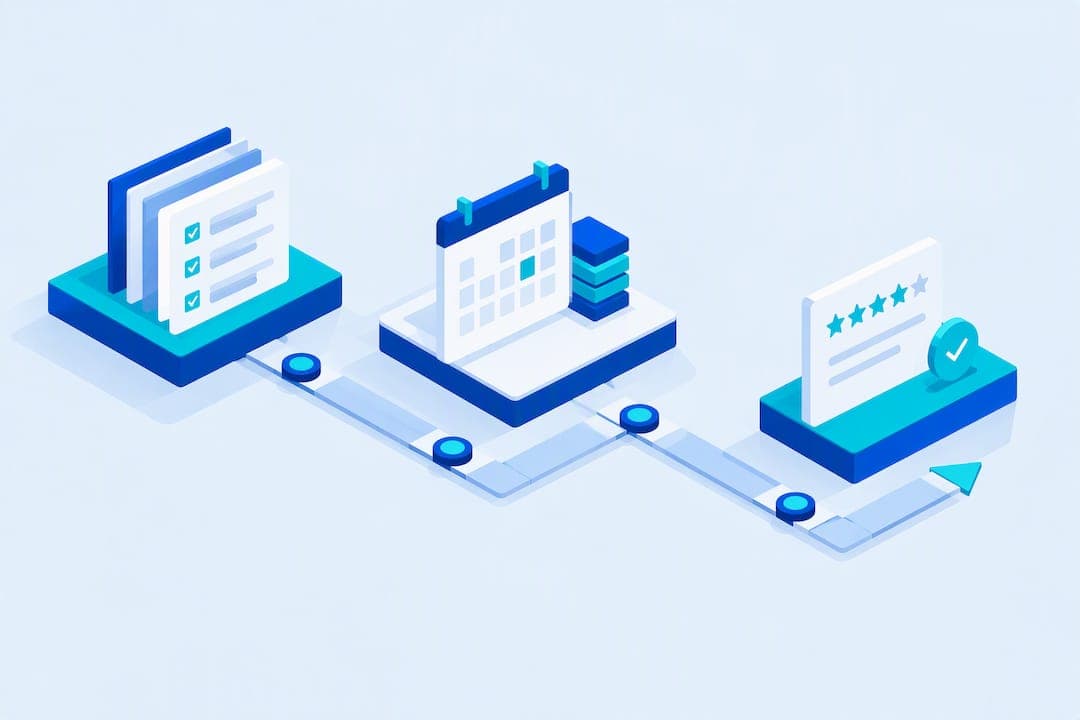
Digitize bookings and lock production steps into checklists: this cuts admin time, missed steps, and rework in one move. The three changes that matter most are moving scheduling and quoting into a CRM, standardizing production with SOPs and photo inspections, and automating review and rebooking messages after each job. Shops that make these three changes see fewer missed appointments, less time spent on paperwork, and more customer reviews coming in without extra effort. A comprehensive platform packages all three into one system, though the changes matter regardless of which tools you use.
TL;DR:
- Using a shared job board and attaching vehicle details at each handoff reduces lost information and improves workflow efficiency.
- Requiring service tier, vehicle type, and contact information at booking, along with deposit rules, minimizes errors and no-shows.
- Standardizing production with checklists, decision points, and photo checkpoints enhances consistency and quality control.
- Batching appointments by location and building buffers into schedules cut down on drive time and prevent overtime in mobile operations.
- Automating post-service follow-ups with personalized messages boosts reviews, referrals, and rebookings without adding staff workload.
Table of Contents
- Mapping the job from booking to follow-up
- Front-office automation: booking, estimates, payments, and CRM
- Production-side SOPs: rules of motion, checklists, and quality checkpoints
- Routing and scheduling for mobile operations
- Post-service workflows: reviews, referrals, and retention
- Staffing, training, and inventory workflows
- Choosing and integrating your tech stack
- A 30-60-90 day rollout for digital workflows
- What shops get wrong when they digitize
- How Mobile Detail AI fits into these workflows
- Sources
- FAQ
Mapping the job from booking to follow-up
A detailing job moves through four stages: front office, production, delivery, and follow-up. Each handoff passes specific information forward, and when that information gets lost, so does time. Booking details (service tier, vehicle type, add-ons) need to reach the technician before the vehicle arrives. Vehicle condition notes and photos need to travel from intake to the person doing quality control. Delivery status and final photos need to reach the customer and the front office at the same time.
- Assign one person as the owner of each handoff so nothing waits on "someone will get to it."
- Use a shared job board or status board so anyone can see where a vehicle stands without asking around.
- Attach vehicle condition and service tier to the job record so production never guesses at scope.
Front-office automation: booking, estimates, payments, and CRM
Front-office friction is where most detailing shops bleed hours. Fixing it starts with the booking form itself: require vehicle type, service tier, and a contact number before a slot confirms, and attach a deposit rule for new customers to cut down on no-shows. Templated packages with saved line items speed up quoting and keep pricing consistent between staff members, so two customers asking for the same package get the same number.
Card-on-file and automated invoicing shorten the gap between job completion and payment, removing the need to chase checks or wait on manual card entry. A CRM that tracks vehicle history also lets you set automatic rebooking triggers, so a customer who got a ceramic coating six months ago gets a maintenance reminder without anyone remembering to send it.
- Require service tier, vehicle type, and phone number at booking to prevent scheduling errors.
- Set a deposit rule for new or high-value bookings to reduce no-shows.
- Save package templates and line items so quotes stay consistent across staff.
- Enable card-on-file and automatic invoicing to speed up payment collection.
Pro Tip: Tie your rebooking trigger to the service type, not a flat calendar date. A ceramic coating and a basic wash have very different maintenance windows.
Production-side SOPs: rules of motion, checklists, and quality checkpoints
Standardizing the physical work is what turns a skilled crew into a consistent one. Committing to a documented process, including rules of motion such as working top to bottom, inside to outside, and finishing one zone before moving to the next, reduces backtracking and builds muscle memory over time, according to Auto Laundry News.
- Write a per-service checklist that lists every step in order, not just the ones that are easy to forget.
- Build decision points into the checklist so a technician knows exactly when a job escalates from a standard wash to a full correction or decontamination.
- Require a photo or short video at defined checkpoints, with a written rework standard so quality control isn't a matter of opinion.
- Use a free SOP and checklist builder to turn these steps into a printable or mobile-ready format that speeds up training.
Photo-based standards also give you before-and-after material for review requests later, so the inspection step pays for itself twice.
Routing and scheduling for mobile operations
Drive time is the hidden cost in mobile detailing, and most of it is avoidable. Batching appointments by geography and giving each slot a realistic length with a buffer built in keeps the day from sliding into overtime. Route optimization tools can reduce drive time further by sequencing stops instead of leaving that to memory or gut feel.
- Group bookings by zip code or neighborhood before locking the day's schedule.
- Build in buffer time for refill stops, fuel, and unexpected job overruns.
- Prioritize complex jobs earlier in the day when the crew is fresh and daylight is on your side.
Post-service workflows: reviews, referrals, and retention
The window right after a job is finished is when a customer is most willing to leave a review or refer a friend, and a short automated sequence captures that moment without anyone on staff having to remember to send a text.
- Send a thank-you SMS immediately at job completion, ideally with a before-and-after photo attached.
- Follow with a review request 24 to 48 hours later, once the customer has had time to see the results in daylight.
- Send a referral offer around day 7, when satisfaction is still fresh but the initial excitement has settled.
- Add a rebook reminder at 30 to 60 days, timed to the service type rather than a fixed calendar date.
Pro Tip: Keep messages personal, mention the vehicle by make or model, and make sure your SMS list follows consent rules like TCPA before you send anything automated.
Staffing, training, and inventory workflows
Consistency on the production side depends on how you bring people in and how you keep supplies stocked. A structured onboarding path, a written checklist, a few shadow shifts alongside an experienced technician, and a sign-off on core skills before someone works solo, shortens ramp time and reduces early mistakes.
- Set reorder points for chemicals and consumables so a shop never runs out mid-job.
- Standardize on a single-source list for core products to avoid quality drift between batches.
- Run a short daily stand-up covering the day's jobs, any vehicle-specific notes, and who owns each handoff.
- Use a shift handoff checklist so the closing tech and opening tech aren't guessing about unfinished work.
Choosing and integrating your tech stack
Not every tool category needs to be state of the art, but each one needs one feature that actually matters. Booking software needs calendar sync so double-bookings don't happen. Routing software needs multi-stop optimization, not just turn-by-turn directions. Payment tools need automatic reconciliation so invoices don't sit unmatched.
- Prioritize two-way calendar sync between booking and your team's personal calendars.
- Automate payment reconciliation so completed jobs close out without manual entry.
- Connect job status updates directly to customer messaging so no one has to text updates by hand.
- Check for a mobile-first interface, data export options, and pricing that fits your shop's size before committing.
A 30-60-90 day rollout for digital workflows
Converting a shop's workflows doesn't need to happen overnight, and trying to do it all at once usually backfires. A staged rollout gives your team time to adjust without disrupting jobs already on the books.
- Days 1 to 30: Pick a core booking and CRM system, train front-office staff on it, and digitize your intake forms.
- Days 31 to 60: Pilot your written SOPs on one or two service lines, add photo inspection checkpoints, and start using route optimization for daily scheduling.
- Days 61 to 90: Automate your post-service follow-up sequence, then start tracking no-show rate, turnaround time, and review conversion to see what's working.
Each phase builds on the last, so skipping the SOP pilot to jump straight to automation usually means automating a process that still has gaps in it.
What shops get wrong when they digitize
Shops that skip straight to buying software without documenting their process first tend to automate the confusion they already had, just faster. The two most common mistakes are treating a checklist as optional once things get busy, and rolling out every new tool at once instead of one system at a time. A shop that instead standardizes its SOPs before automating usually needs fewer corrections once the new tools are live.
— Mobile
How Mobile Detail AI fits into these workflows
A CRM handles the front-office side of everything above: instant booking, saved package templates, card-on-file payments, and automatic invoicing, plus vehicle history tracking so rebooking triggers fire on their own. Route optimization manages the mobile scheduling side, sequencing stops so drive time stays predictable.

For a shop trying to standardize SOPs and photo inspections while also automating the booking and follow-up side, the provider subscription plans cover CRM-only use up through the full marketplace and preferred tiers. Shops that also want to showcase packaged services to new customers can browse how packages are presented on the discover page. Check plan details and get set up at Mobile Detail AI.
Sources
For readers who want the underlying material: the Stark State College curriculum covers business-practice fundamentals for detailers, Auto Laundry News breaks down rules of motion, WorkProcedures details SOP and rework standards, and AutoDetailingDevelopment offers a free checklist builder. For quality-standard context in a related field, see this chrome restoration guide.
- Rules of Motion - Committing To A Set Process Has Numerous Benefits — Auto Laundry News
FAQ
How to get more clients as a detailer?
Consistent reviews and referrals do more for new client volume than any single marketing push. Automating a review request 24 to 48 hours after each job, followed by a referral offer around day 7, keeps new leads coming in without extra manual outreach.
What is the correct order of operations for car detailing?
Most shops follow a top-to-bottom, inside-out sequence: interior first, then exterior wash, decontamination, correction if needed, and protection last. Documenting this order as a checklist with defined decision points, such as when a job needs full correction, keeps results consistent across technicians, as described by Auto Laundry News.
How much to tip on a $200 car detail?
Tipping amounts vary by region and customer preference, and there is no official standard rate for detailing services. Many customers tip in a similar range to other personal service trades, but this is a matter of custom rather than a fixed rule.
What is the best CRM for a detailing business?
The right CRM depends on whether a shop needs booking only, full marketplace exposure, or route optimization for mobile teams. Mobile Detail AI offers tiered options, from a CRM-only plan up to marketplace and preferred plans, detailed on its provider subscription page.