
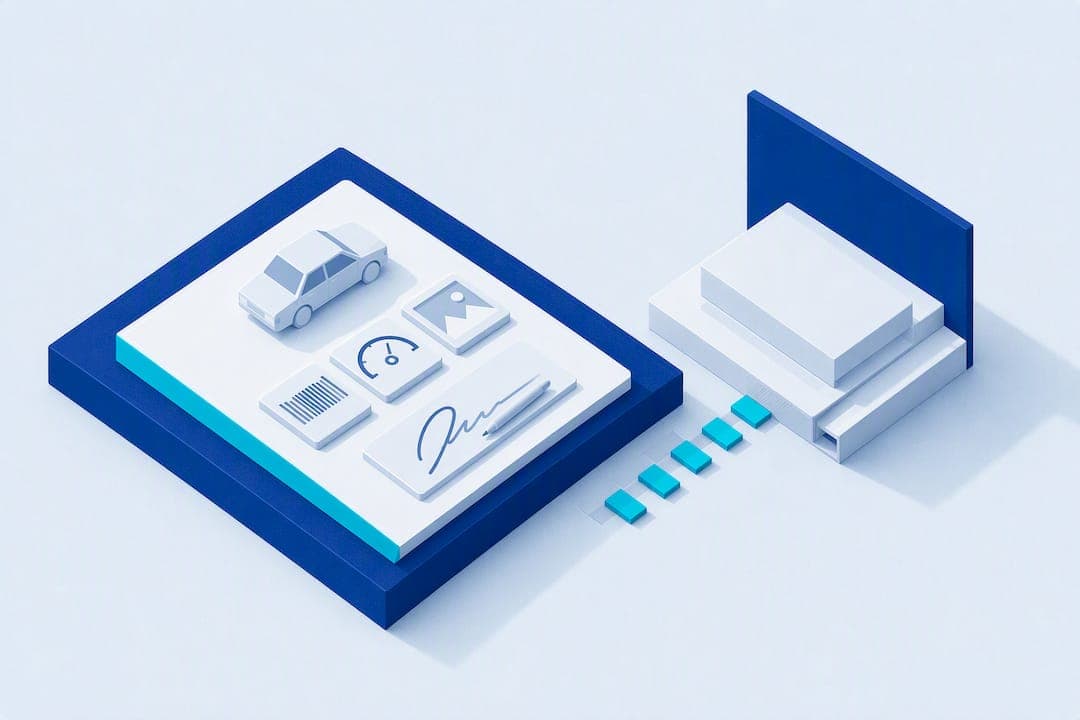
The best customer intake form for a detailing business is short: contact information, vehicle identifiers like VIN and mileage, the service requested, pre-existing damage documented with photos, and a signed authorization. That combination gets you faster estimates, fewer disputes over scratches you didn't cause, and cleaner routing to the right technician. Everything else, like preferred wax brand or how the car smells, can wait until after the customer is confirmed. Front-loading a form with 40 fields is the fastest way to lose a lead before you ever touch their car.
TL;DR:
- A concise intake form should prioritize vehicle identifiers like VIN and mileage to prevent disputes and streamline service records.
- Online forms with photo upload, e-signature, and offline capabilities are ideal for automating intake processes for busy detailing businesses.
- Integrating the intake workflow from booking to technician handoff reduces lead leakage and improves scheduling efficiency.
- Small businesses should minimize data collection, enforce basic security measures, and securely delete or store information after jobs.
- Using pre-made templates and testing forms on mobile devices helps ensure smooth adoption and reduces abandonment of intake steps.
Table of Contents
- What Fields Belong on a Detailing Intake Form?
- Should You Use Paper, PDF, or an Online Form?
- How Do You Build Intake Into Your Actual Workflow?
- What Data Security Rules Actually Apply to a Small Detailing Business?
- Where Can You Find Detailing Intake Templates?
- Author Perspective From Mobile Detail AI
- Automate Intake and Routing With Mobile Detail AI
- Sources
- FAQ
What Fields Belong on a Detailing Intake Form?
Every field on your form should earn its place. If it doesn't speed up the estimate, protect you legally, or help a technician do the job right, cut it.
Contact information comes first, but keep it minimal. Name, phone number, and either an email or a text-friendly number. Asking for a mailing address or referral source up front adds friction with no payoff at this stage. Multi-step intake flows that reveal fields progressively tend to convert better than one long form that demands everything before showing any value, according to guidance on client intake design.
Vehicle identifiers matter more than most detailers realize. Year, make, model, color, VIN, license plate, and current mileage all belong here. The VIN and mileage aren't just paperwork. They protect you if a dispute comes up later about the vehicle's condition or history, and they let you pull accurate service records if the same car comes back in a year.
Here's the core field list worth copying into your own template:
- Contact: name, phone, email or text number
- Vehicle: year, make, model, color, VIN, plate, mileage
- Service requested: interior, exterior, or full package, plus vehicle size tier
- Add-ons: ceramic coating, paint correction, odor removal, pet hair
- Condition notes: existing scratches, dents, stains, with photo upload
- Authorization: signature line acknowledging pre-existing damage disclosure
- Internal fields: referral source, assigned tech, drop-off or mobile location, appointment window
That last group rarely shows up on free templates, but it's what actually gets a job scheduled and routed without a phone call back and forth.
Should You Use Paper, PDF, or an Online Form?
Paper still works for a lot of solo detailers, and there's no shame in a clipboard. It's fast, it never runs out of battery, and customers sign it right there in the driveway. The downside is obvious: paper gets lost, coffee-stained, or left in a truck console, and you can't search it later.

Fillable PDFs split the difference. You can email one before the appointment, the customer fills it on their phone or laptop, and you get a signed document back without printing anything. The catch is that most PDF signatures aren't legally binding e-signatures unless the tool supports it properly.
Online form builders are the strongest option if you're running more than a handful of jobs a week. Look for a builder that includes:
- Photo upload for pre-existing damage
- Offline mode or local save for mobile crews with spotty signal
- Built-in e-signature, not just a typed name field
- Conditional logic that hides irrelevant fields based on service type
- Export or sync to whatever CRM or scheduling tool you use
Templates like the car detailing liability waiver on Jotform already bundle photo upload and e-signature into one waiver, which saves you from building that from scratch.
Pro Tip: If you run a mobile crew, don't rely on a form that requires live internet. Offline-capable apps or fillable PDFs that sync once you're back in range keep a job moving even when you're parked in a dead zone.
How Do You Build Intake Into Your Actual Workflow?
A form sitting in a folder does nothing. Intake only works when it's wired into the sequence that turns a stranger into a scheduled job. The proven model for this is capture, qualify, collect, confirm, and handoff, and it holds up well for detailing specifically because it avoids the biggest failure mode: a long static form that leaks leads before anyone commits.
- Capture — Trigger intake the moment someone books online, texts a link, or calls in. Keep this step to name, phone, and vehicle type only.
- Qualify — Ask two or three fast questions (service type, size tier, general location) and route automatically. This is where you filter out jobs outside your service area or price range before wasting anyone's time.
- Collect — Once qualified, send the fuller form: VIN, mileage, condition photos, add-ons.
- Confirm — Send a standard confirmation message with appointment time, deposit request if you take one, and a summary of what was booked.
- Handoff — Generate a one-page job sheet for the technician with vehicle details, service checklist, and condition notes attached.
| Stage | What happens | What you capture |
|---|---|---|
| Capture | Customer books or texts in | Name, phone, vehicle type |
| Qualify | Quick fit check, auto-routing | Service type, size, location |
| Collect | Full intake sent | VIN, mileage, photos, add-ons |
| Confirm | Booking locked in | Deposit, appointment window |
| Handoff | Job sheet built for tech | Full summary, condition notes |
Detailers who separate qualifying questions from full collection see fewer abandoned forms, since nobody's asked to photograph their bumper before they even know if you service their area.
What Data Security Rules Actually Apply to a Small Detailing Business?
You don't need a compliance department to handle customer data responsibly. You need a short list of habits, applied consistently.
Start with data minimization. If you don't need someone's home address to detail a car in a parking lot, don't ask for it. The FTC's guidance on protecting personal information recommends assessing whether a field is sensitive before you collect it, then purging what you no longer need rather than letting old intake forms pile up.
On the technical side, the FTC's small business cybersecurity guidance lays out the basics that apply directly to a one-person detailing operation: automatic software updates, regular backups, strong unique passwords, multi-factor authentication, and device encryption on the phone or tablet you use to run your business.
A few more habits worth locking in:
- Shred or securely delete paper intake forms once the job is closed and any warranty period has passed.
- Store keys and gate codes separately from customer contact lists, and limit who on your team can access either.
- If you use a third-party form tool or CRM, confirm it encrypts stored data and ask what its retention policy actually is before you trust it with customer photos and signatures.
Most breaches at small service businesses trace back to weak or reused passwords, not sophisticated attacks, which is exactly why the FTC leads with that fix first.
Where Can You Find Detailing Intake Templates?
You don't have to build a form from a blank page. Free one-page PDF templates exist specifically for detailing professionals, covering contact, vehicle details, service checklist, and a damage disclosure signature line in a single printable sheet. Editable versions in Canva or Google Docs work if you want to add your logo and adjust wording. No-code form builders offer ready-made detailing and auto-service templates you can clone and customize in an afternoon.
Once you pick a starting template, adapt it fast:
- Strip any field you can't explain a reason for keeping.
- Add conditional logic so interior-only customers don't see exterior-specific questions.
- Insert an e-signature widget, not a typed name box, on the damage waiver.
- Run your legal wording past whatever waiver language your insurance carrier recommends.
- Test the whole thing on a phone screen before you send it to a single customer.
Pro Tip: Pilot a new form on your next seven jobs before rolling it out permanently. Track completion rate, time to confirmation, and how many intakes actually convert to booked jobs, then cut or rework whatever field caused hesitation.
Author Perspective From Mobile Detail AI
Intake is where revenue quietly leaks out of a detailing business. A vague service request turns into a longer job than quoted. A missing damage photo turns into a dispute nobody wins. A form with no VIN field turns into a technician showing up unprepared. Every field you get right at intake pays you back later in fewer arguments and faster routing. Start with a one-page form you can run on paper this week, then automate it once you know which fields actually matter to your jobs.
— Mobile
Automate Intake and Routing With Mobile Detail AI
Mobile Detail AI is the option to move to once a one-page intake form has proven itself and you're ready to stop copying data by hand between a form, a text thread, and a calendar. The platform captures intake digitally, attaches damage photos directly to each vehicle's record, collects e-signatures on waivers, and stores everything in a CRM built specifically for detailing operations. It also handles scheduling and route optimization, so a qualified lead turns into a job on your calendar, in the right order, without you manually reshuffling stops.

If you're a solo detailer just testing the waters, the CRM-Only plan runs $1 per month and gives you the intake and record-keeping backbone without the marketplace side. Multi-van crews ready for booking and routing at scale can step up to the Marketplace or Preferred plans at $59 or $139 per month. Explore the available service categories and see how intake connects to booking, then set up your provider profile to start routing jobs automatically.
Sources
- Protecting Personal Information: A Guide for Business | Federal Trade Commission
- The Customer Intake Process: A Step-by-Step Guide | MeritsOnly
- Car detailing liability waiver form template | Jotform
FAQ
What Should Be on a Client Intake Form?
At minimum, contact information, vehicle identifiers (VIN, plate, mileage), the service requested, pre-existing condition notes with photos, and a signed authorization acknowledging that disclosure. Detailing-specific forms also benefit from a vehicle size tier and add-on checklist to speed up pricing.
Where Can You Find a Free Template for a Client Intake Form?
Free one-page PDF templates built for detailing professionals cover the core fields already, and form builders like Jotform offer waiver templates with photo upload and e-signature built in. Both are editable enough to add your branding in minutes.
How Can You Create Intake Forms for Clients?
Start with an existing template rather than building from scratch, then prune it down to field you can justify keeping. Add conditional logic for different service types, insert an e-signature field for the damage waiver, and test it on a phone before sending it to customers.
What Is a Cleaning or Detailing Client Intake Form?
It's a short document, paper or digital, that collects a customer's contact details, vehicle information, requested services, and existing damage notes before a detailing job begins. Its main job is speeding up accurate quotes and protecting both sides if a condition dispute comes up later.
Does Mobile Detail AI Handle Intake Automatically?
Yes. Mobile Detail AI captures customer and vehicle intake digitally, attaches condition photos to the vehicle's record, and collects e-signatures, then feeds that data straight into scheduling and route optimization. Current plan pricing is listed on the provider subscription page.