
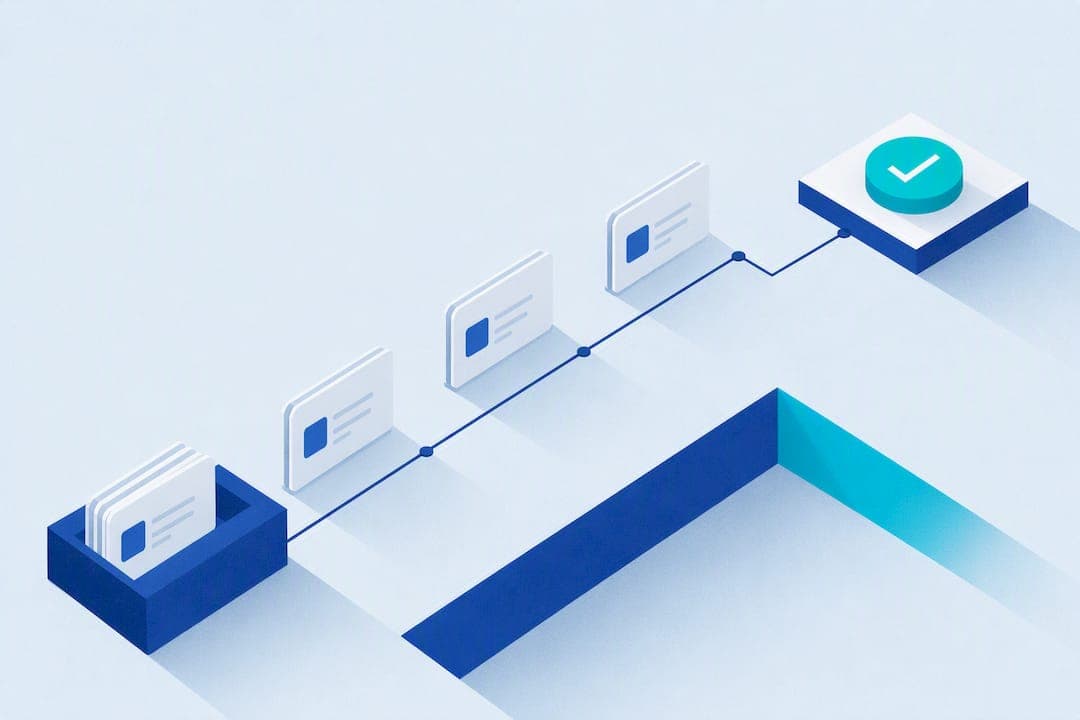
Automated SMS appointment reminders cut no-shows fast, and most businesses can launch them in under an hour. Turn on your scheduling tool's built-in texting feature or connect a simple SMS integration, send one reminder 24 hours out and a shorter one 2 to 4 hours before, and let clients confirm by replying. Collect opt-in consent at booking, and the whole system runs itself.
TL;DR:
- Sending two automated SMS reminders, one 24 hours and another 2 to 4 hours before an appointment, significantly reduces no-shows with minimal client annoyance.
- Collecting clear opt-in consent at booking and testing message delivery and reply functions are crucial steps for reliable and compliant reminder systems.
- Using simple, concise, and personalized message templates improves client response rates and helps confirm or reschedule appointments efficiently.
- Automation of calendar updates from client replies and choosing integration options balance control and setup speed, with full API control suitable for technical users.
- Measuring success through delivery, confirmation, reply rates, and no-show changes helps optimize messaging cadence and maximize ROI.
Table of Contents
- How to Set Up Automated SMS Appointment Reminders
- What's the Best Timing for Appointment Reminder Texts?
- Message Templates and Personalization That Actually Work
- How Do Two-Way Text Replies and Calendar Updates Work?
- Integrations: Calendar, CRM, and API Options
- Consent, Compliance, and Privacy Rules to Know
- How Do You Measure If SMS Reminders Are Working?
- What Automated Reminders Change on the Ground
- Mobile Detail AI Handles Scheduling and Reminders Together
- Where to Find Setup and Compliance Details
- Sources
- FAQ
How to Set Up Automated SMS Appointment Reminders
Getting appointment text alerts running is less about technology and more about sequencing. Do the steps out of order and you end up with messages that bounce, clients who never opted in, or a calendar that doesn't update when someone cancels.
- Pick your origin point. Decide whether your scheduling app's native reminders will do the job, or whether you need a dedicated SMS reminder service or API for more control. Setmore, for example, lets you enable text reminders directly in account settings, with lead times scheduled up to 30 days out.
- Capture consent at booking. Every client record needs a documented opt-in tied to their phone number and the date they agreed to receive texts.
- Build your templates. Write out confirmation, reminder, reschedule, and cancellation texts with dynamic fields for name, date, time, and location.
- Set your lead times. Most providers schedule two touches: one a day ahead, one a few hours ahead.
- Configure reply keywords. Map "YES," "NO," and "RESCHEDULE" to calendar actions so replies don't just sit in an inbox.
- Test before you launch. Send messages to a handful of real numbers, confirm delivery, check that replies trigger the right action, and turn on logging so you have a record if a dispute comes up.
Some platforms, including Acuity Scheduling, require account verification before you can send customized text content, so build that step into your timeline rather than assuming it happens instantly.
What's the Best Timing for Appointment Reminder Texts?
Two messages beat one, and five messages annoy people. The pattern most SMS reminder services converge on is a reminder roughly 24 hours before the appointment, followed by a shorter nudge 2 to 4 hours out. Sinch recommends exactly this two-message sequence as the sweet spot for catching both forward planning and last-minute forgetfulness.
Adjust the pattern based on what you're scheduling:
- Complex services (consultations requiring prep, procedures with fasting or paperwork) benefit from an earlier first touch, sometimes 48 to 72 hours out.
- On-site or mobile services often work best with a same-day reminder, since the client mainly needs a heads-up that someone's on the way.
- Cap it at 1 to 3 total messages per appointment. More than that and clients start tuning out or opting out entirely.
Statistic Callout: Text messages get read fast and often. Vendors point to high SMS read rates compared with email or phone calls as the main reason automated text reminders outperform other reminder channels for cutting missed appointments.
Track how different client segments respond and adjust cadence per appointment type rather than applying one rigid schedule to everyone on your books.
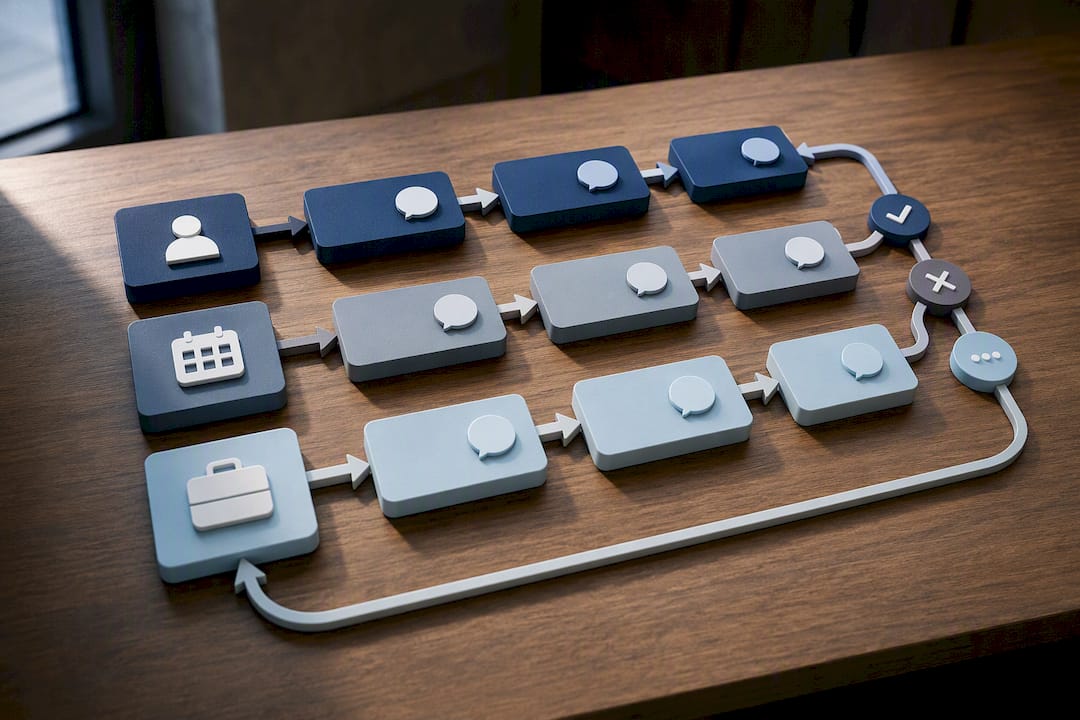
Message Templates and Personalization That Actually Work
A good appointment confirmation text does one job: it tells the client exactly what's happening and exactly what to do next. Every message needs four things: your business name, the date and time, the location (or a link, if it's virtual), and a clear reply instruction like "Reply YES to confirm."
Keep every text under roughly 300 characters. Anything longer gets skimmed, not read.
- Confirmation: "Hi [Name], your appointment with [Business] is booked for [Date] at [Time]. Reply YES to confirm or RESCHEDULE if you need a new time."
- 24-hour reminder: "Reminder: your appointment with [Business] is tomorrow at [Time], [Location/Link]. Reply YES to confirm."
- Same-day reminder: "See you soon! Your [Business] appointment is at [Time] today. Reply NO if you need to cancel."
- Reschedule confirmation: "Your appointment has been moved to [New Date/Time]. Reply YES to confirm the change."
- Cancellation notice: "Your appointment on [Date] has been canceled. Call or text us to rebook."
If you handle anything touching protected health information, keep specifics out of the message body entirely. AppointmentReminder and similar services route sensitive notifications through HIPAA-compliant channels rather than putting diagnosis or treatment details in a standard text.
How Do Two-Way Text Replies and Calendar Updates Work?
The real value of business SMS reminders shows up in the replies, not just the outbound message. A client who texts back "YES" should trigger something automatic, not sit in a queue until someone checks their phone.
- Limit reply options to a small, predictable set: YES, NO, and RESCHEDULE cover most real-world responses.
- Map each keyword to an action. YES logs a confirmation, NO cancels and frees the slot, RESCHEDULE flags the booking for staff follow-up.
- Let automation handle the calendar updates automatically, and route anything outside the three keywords to a human.
- Test the edge cases before you go live: what happens with a typo, a non-response after 24 hours, or a message that fails to deliver.
Vendors that build this kind of reply automation, including Sinch, consistently push clients toward a short, fixed keyword list specifically because ambiguous replies are where automation breaks down.
Pro Tip: Log every reply with a timestamp and set up a staff notification for anything that doesn't match your keyword list. It takes five minutes to configure and saves you from a client who swears they canceled three days ago.
Integrations: Calendar, CRM, and API Options
Three paths exist, and each trades speed for control.
- Native scheduling reminders are built into tools like Acuity or Setmore. They launch fastest but usually cap how much you can customize message frequency or content.
- Connector platforms like Zapier or Make sit between your calendar and a texting service, giving you moderate customization without writing code.
- Programmable SMS APIs, like Twilio's appointment reminder tools, give you full control over message logic, timing, and scale, but require someone comfortable with basic setup work.
Whichever route you pick, confirm four things before launch: appointment IDs sync correctly between systems, time zone conversions are accurate for every client, delivery reporting is turned on, and failed sends get flagged instead of silently disappearing.
Consent, Compliance, and Privacy Rules to Know
Opt-in isn't optional. Every client should give clear consent to receive texts at the time of booking, and you need a record of that consent tied to their contact info.
- Store proof of opt-in with each client record, not just a mental note that they signed up.
- Build in an easy STOP opt-out and honor it the moment it comes in.
- Treat any commercial appointment messaging as falling under TCPA rules, which generally require documented consent before you send. Specifics vary by message type and use case, so check with legal counsel if you're unsure where your messaging falls.
- If you're sending anything touching health information, use a HIPAA-compliant vendor and a signed business associate agreement rather than a general-purpose texting tool.
Statistic Callout: Acuity's help documentation confirms that text reminders require explicit client opt-in and that providers must complete a verification step before sending customized message content, a compliance layer that's easy to skip and expensive to ignore.
How Do You Measure If SMS Reminders Are Working?
Four numbers tell you almost everything: delivery rate, confirmation rate, reply rate, and the change in your no-show rate before and after launch.
- Set a baseline first. Track no-shows for 2 to 4 weeks before you turn reminders on.
- Compare that baseline against the following month once reminders are live.
- Run a simple ROI check: subtract your SMS costs from the revenue you recovered by filling slots that would've been no-shows, then divide by the SMS cost.
- A/B test your wording and timing. A reminder that says "Reply YES to confirm" often outperforms a passive "See you soon" with no call to action.
Purpose-built reminder services report meaningful drops in missed appointments once two-way confirmations are added on top of a basic reminder, which is usually the biggest lever available after cadence itself.
What Automated Reminders Change on the Ground
Automated reminders free your front desk from spending an hour a day making confirmation calls. Train staff on how to read replies that fall outside your keyword list, because that's where judgment still matters. Consistent, well-timed texts also signal professionalism to clients, and that impression carries into repeat bookings more than most owners expect.
— Mobile
Mobile Detail AI Handles Scheduling and Reminders Together
Running reminders through one tool and bookings through another creates gaps, a missed sync here, a double-booked slot there. Some platforms close that gap for vehicle detailing providers by bundling intelligent scheduling, route optimization, a built-in CRM, and client messaging into a single system.
Instead of stitching together a calendar app, a separate digital appointment reminder tool, and a spreadsheet for client history, some platforms provide reminder templates, scheduling rules, and full customer history in one place. Service updates can go out automatically, and CRMs can track past jobs so reminders can reference vehicle and service details instead of generic text. If you're a solo detailer or a multi-van operation tired of managing reminders as a separate task from booking, check out Mobile Detail AI and see how the scheduling and messaging tools fit into your existing workflow.
Where to Find Setup and Compliance Details
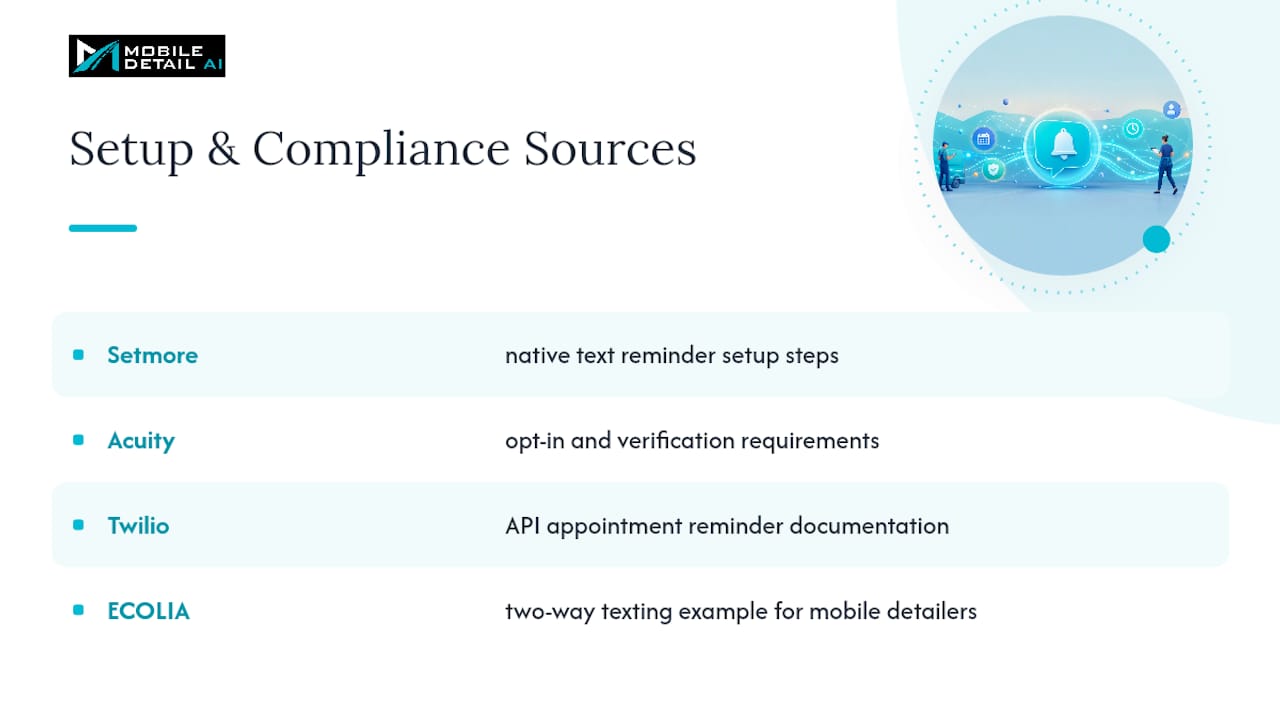
For hands-on configuration, Setmore's text reminder guide covers native setup steps. Acuity's help center article on text reminders details opt-in and verification requirements. For providers building custom SMS flows, Twilio's appointment reminder documentation walks through the API side. Mobile detailers can also see two-way texting in practice at ECOLIA, a mobile detailing business using text-based booking confirmations.
Sources
- Send Automated Text Reminders For Appointments | Setmore
- SMS Appointment Reminder Software | Reduce No-Shows
- Sending appointment reminders via text – Acuity Scheduling Help Center
- Appointment Reminders for Any Business — Appointment Reminder
FAQ
How Can I Set Up Text Message Reminders for Appointments?
Turn on the texting feature in your scheduling app or CRM, collect client opt-in at booking, build a reminder template with dynamic date and time fields, and set your send times to roughly 24 hours and 2 to 4 hours before each appointment.
What's a Good Reminder Message for an Appointment?
A strong template names your business, states the date and time clearly, and ends with a specific action, like "Reminder: your appointment with [Business] is tomorrow at [Time]. Reply YES to confirm."
Can Appointment Reminders Be Sent via Text?
Yes, and text is generally the most effective channel for this because SMS read rates run far higher than email, according to Setmore; most scheduling apps and dedicated SMS reminder services support automated texting.
How Often Should I Send Appointment Reminder Texts?
Stick to 1 to 3 messages per appointment. The most common pattern is one reminder 24 hours ahead and a shorter one 2 to 4 hours before, which Sinch identifies as the standard cadence for cutting no-shows without over-messaging clients.
Does Mobile Detail AI Support Appointment Reminders?
Mobile Detail AI includes messaging and scheduling tools built into its CRM, so detailers can send reminders and confirmations alongside route planning and client history tracking in one platform.